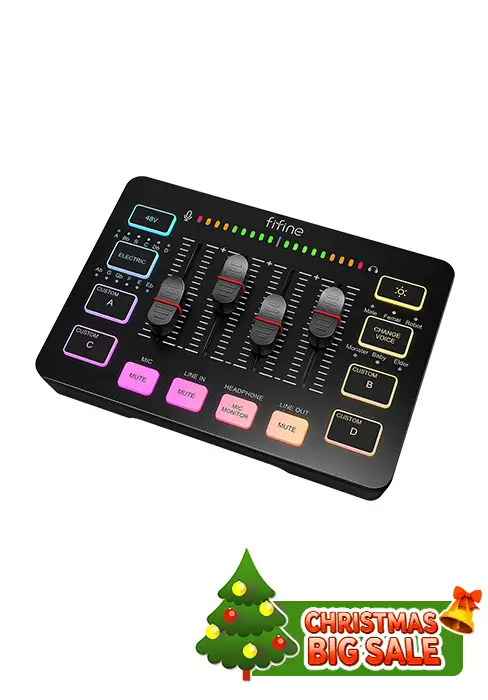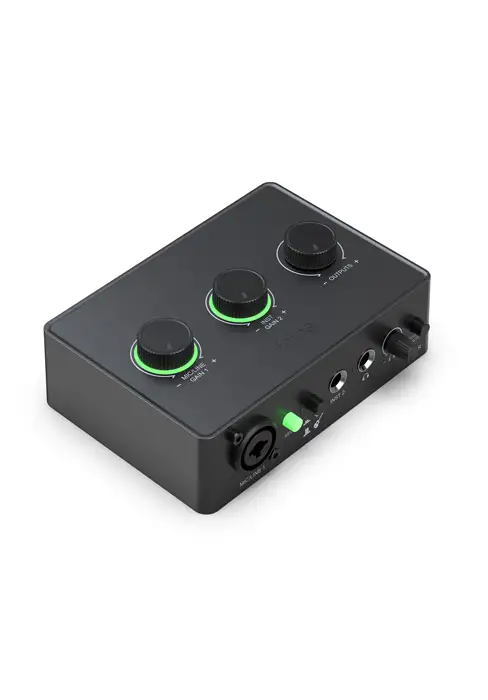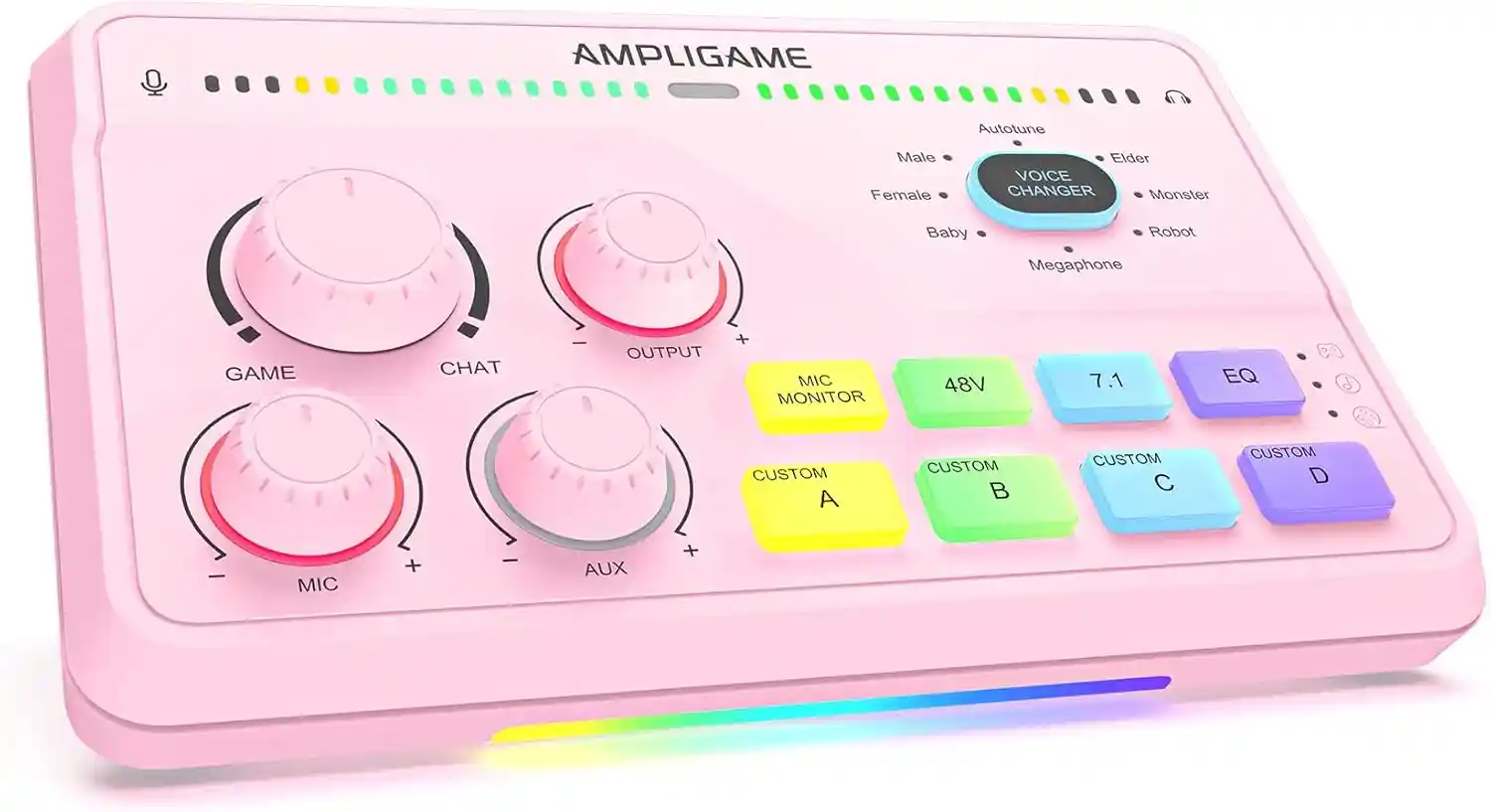
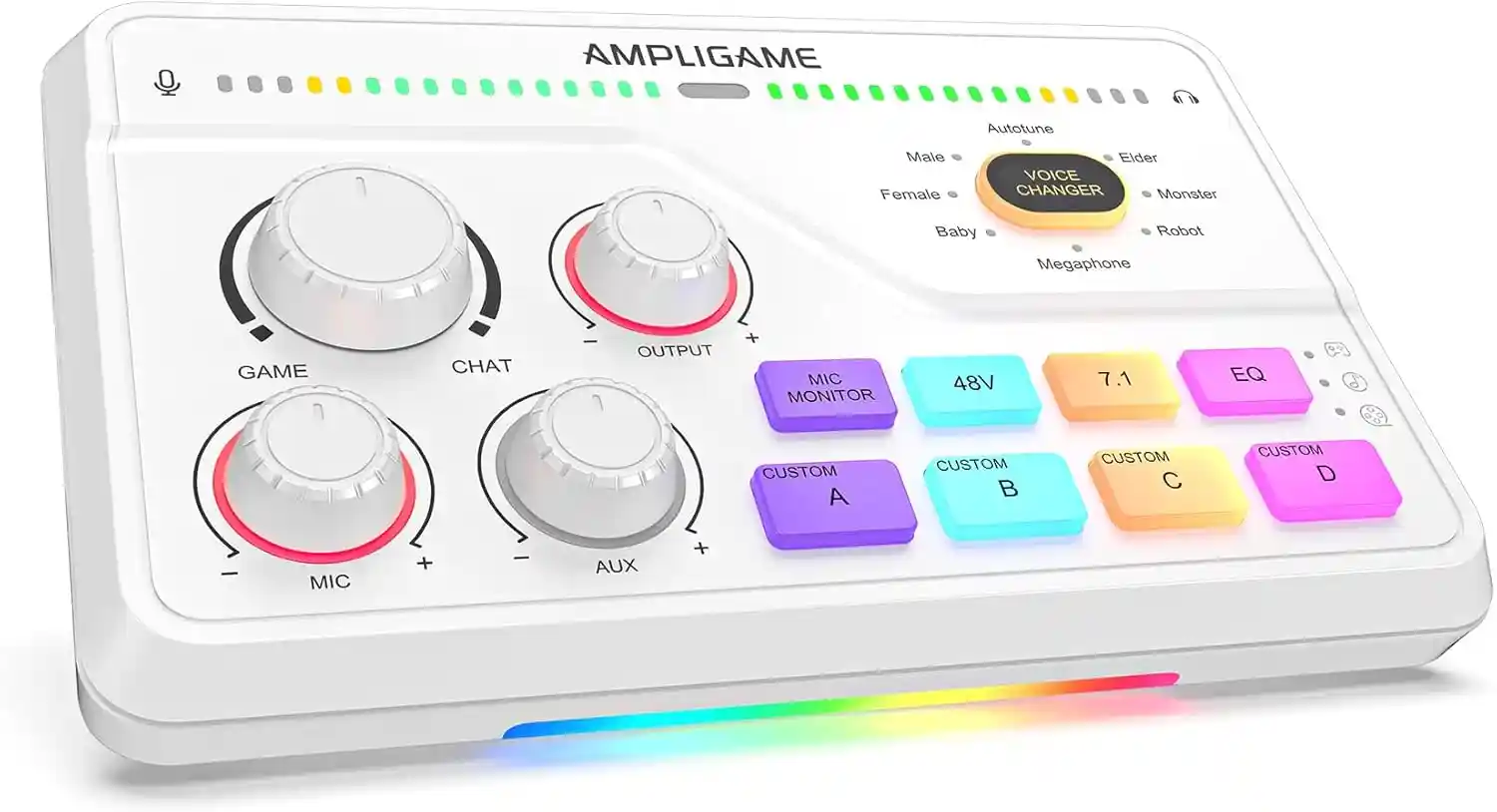





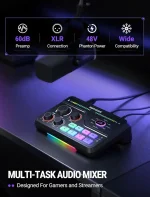
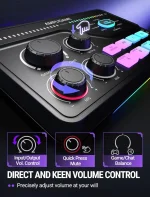

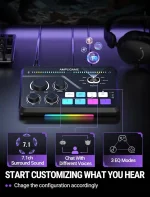
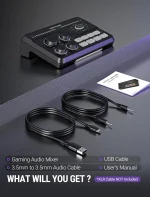



Fifine Gaming Mixer for Voice Chat and Streaming- 7.1ch Surround Sound Headphone Amp-XLR Preamp-USB Plug & Play-Voice Changer-RGB-Volume Control-3 EQ Modes Ampligame SC8

US40.0$

buy more than 3 items, get 5% off!

Add to Cart
fifine gaming mixer for voice chat and streaming 7.1ch surround sound headphone amp xlr preamp usb plug & play voice changer rgb volume control 3 eq modes ampligame sc8
Fifine Gaming Mixer for Voice Chat and Streaming- 7.1ch Surround Sound Headphone Amp-XLR Preamp-USB Plug & Play-Voice Changer-RGB-Volume Control-3 EQ Modes Ampligame SC8
US40.0$

Free worldwide shipping on all orders over $50

  • 30 days easy returns
  • Order yours before 2.30pm for same day dispatch
Guaranteed Safe Checkout

fifine gaming mixer for voice chat and streaming 7.1ch surround sound headphone amp xlr preamp usb plug & play voice changer rgb volume control 3 eq modes ampligame sc8
Fifine Gaming Mixer for Voice Chat and Streaming- 7.1ch Surround Sound Headphone Amp-XLR Preamp-USB Plug & Play-Voice Changer-RGB-Volume Control-3 EQ Modes Ampligame SC8
US40.0$
联系我们表单

Product description

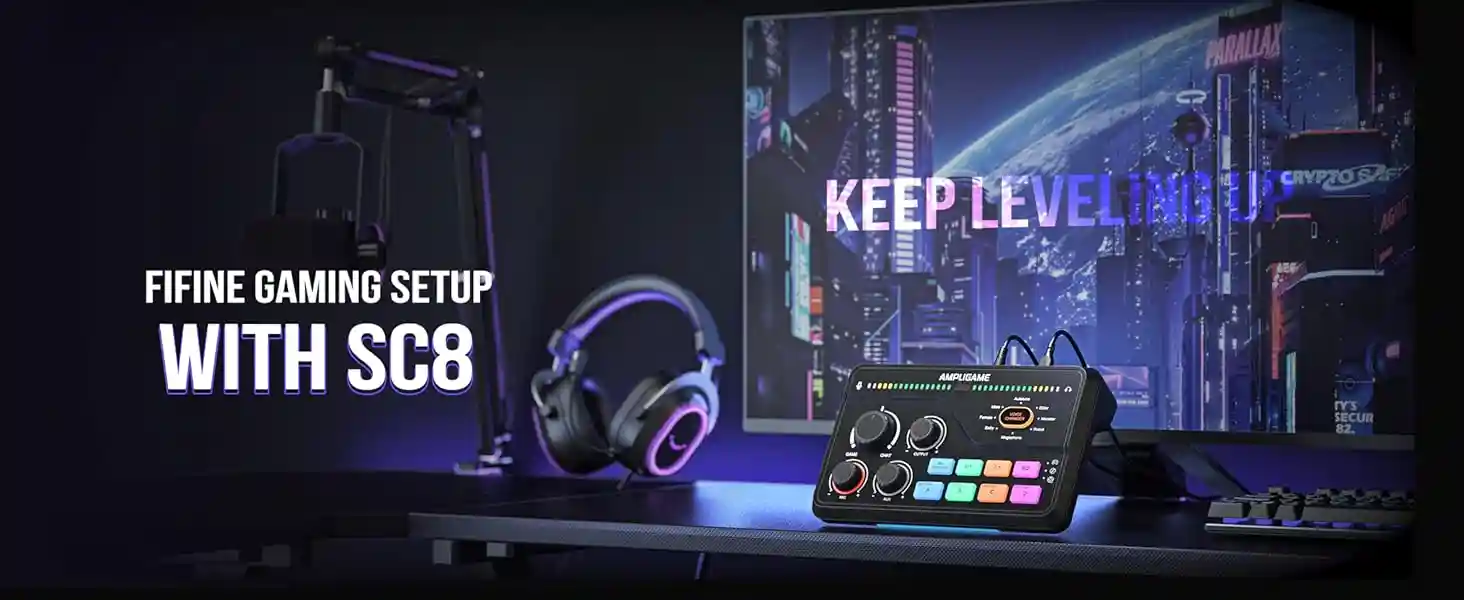
SC8 Gaming MIxerSC8 Gaming MIxer

fifine SC8 Keep leveling upfifine SC8 Keep leveling up

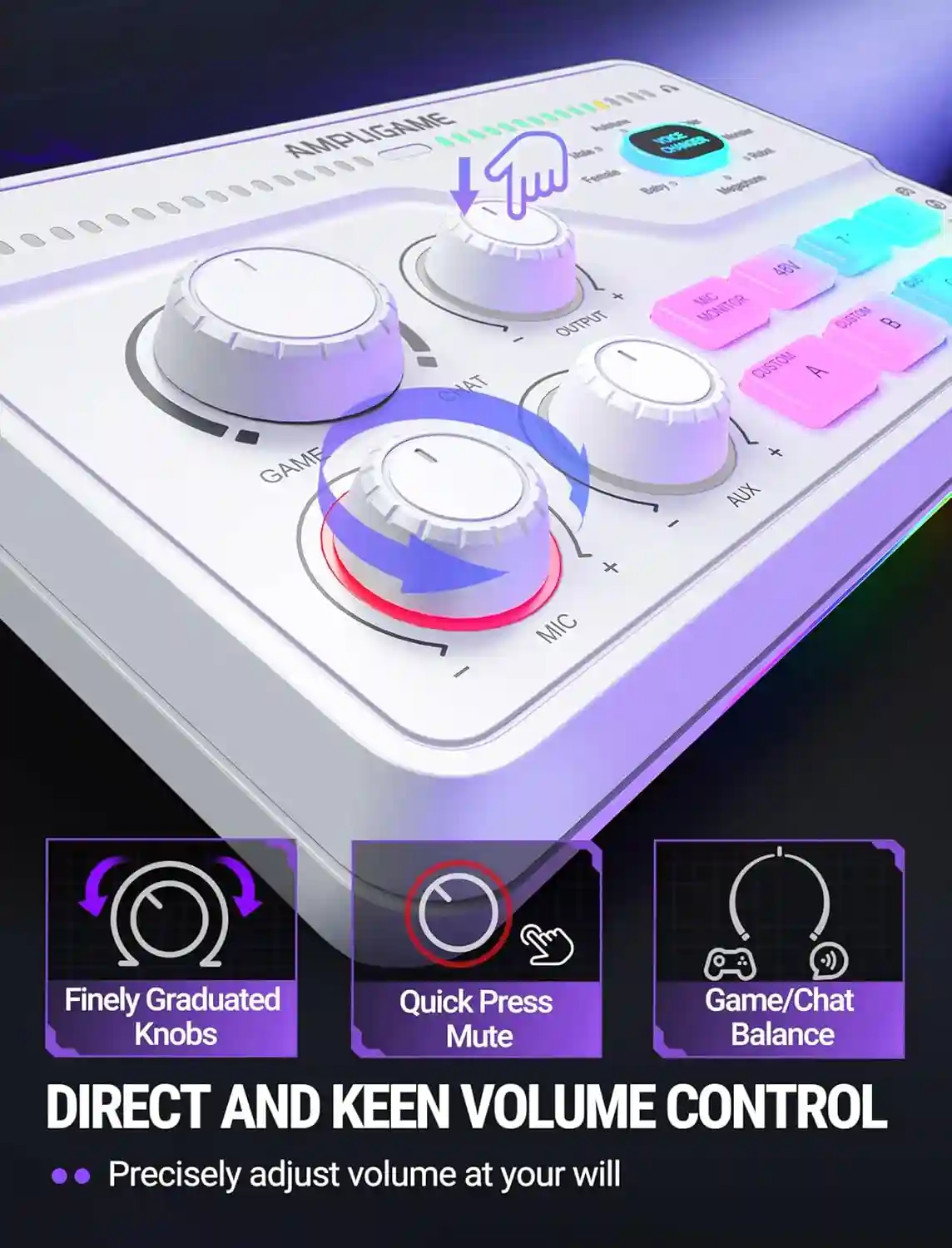
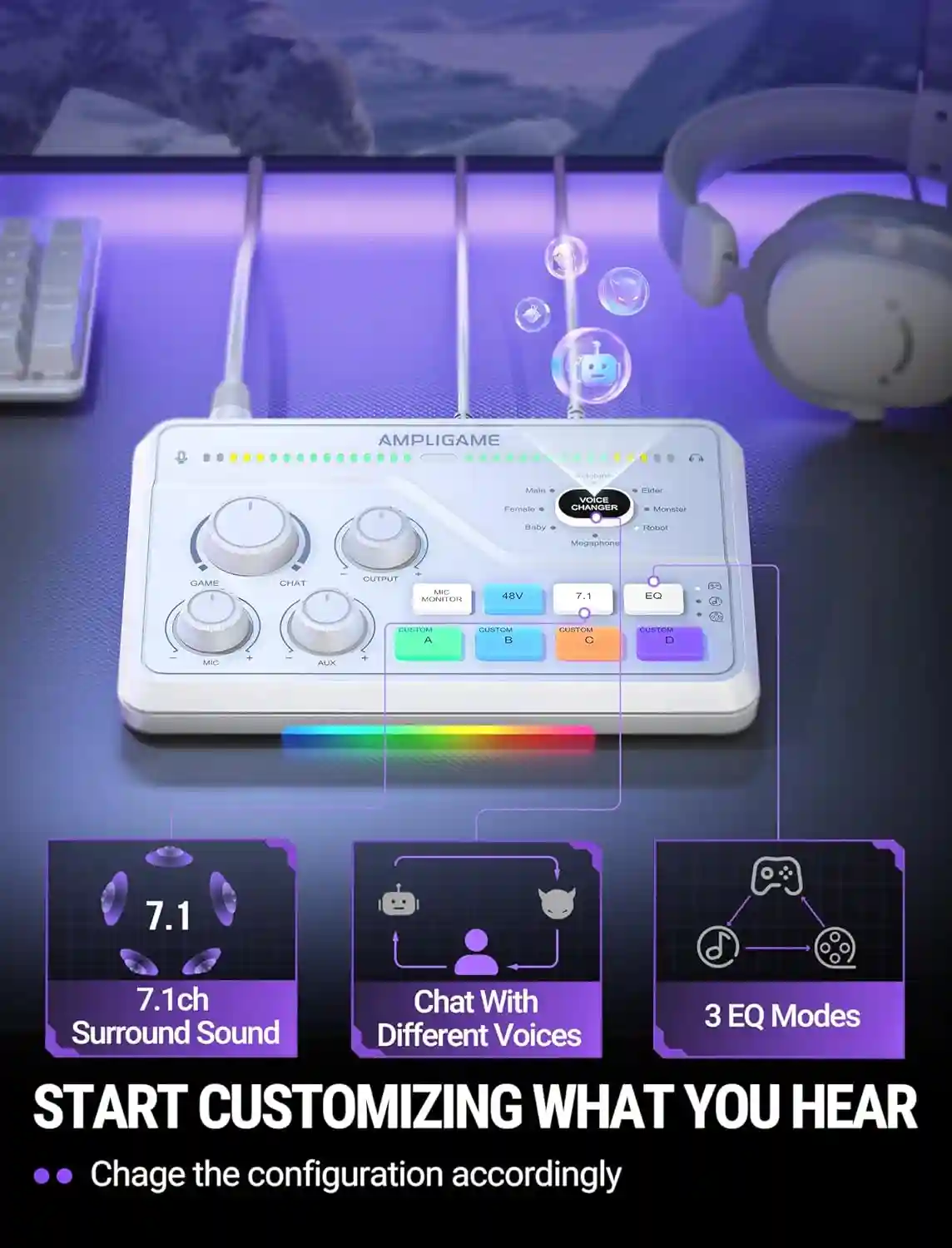
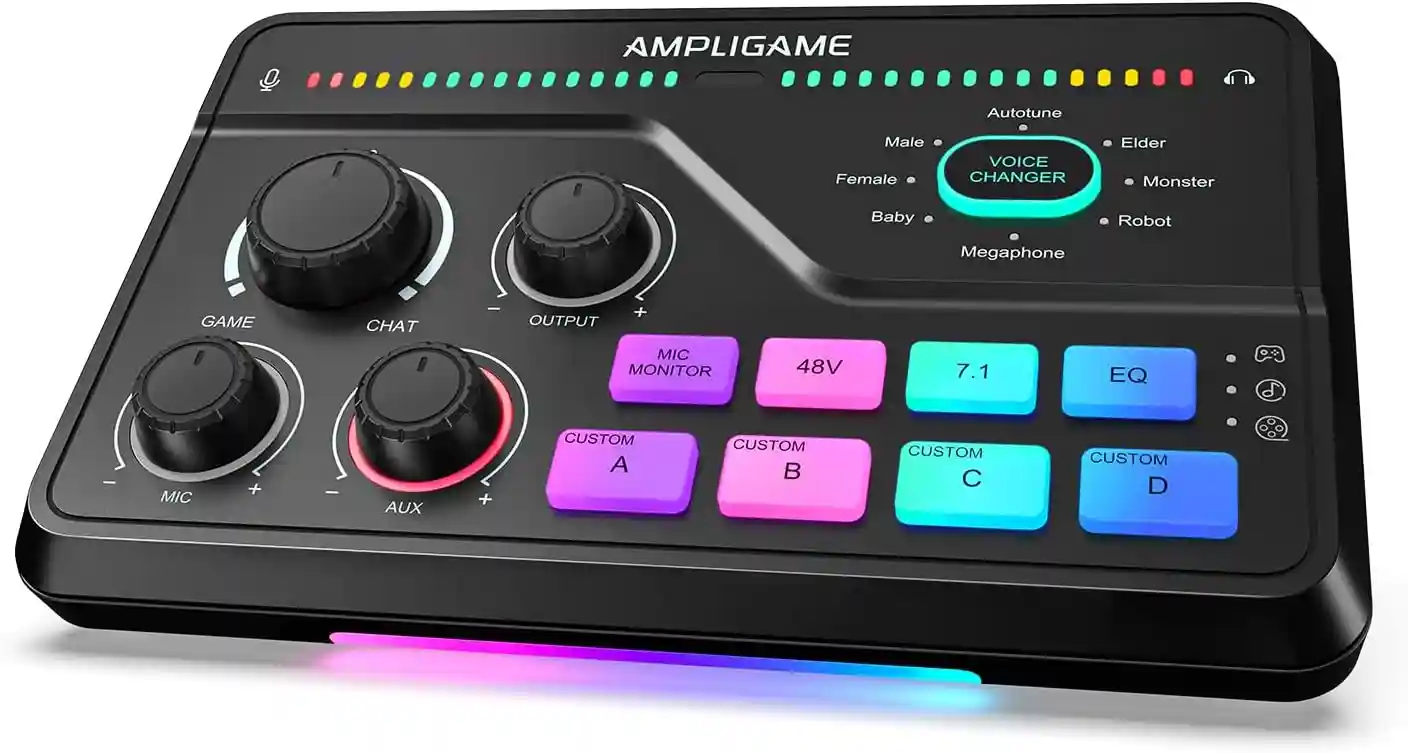
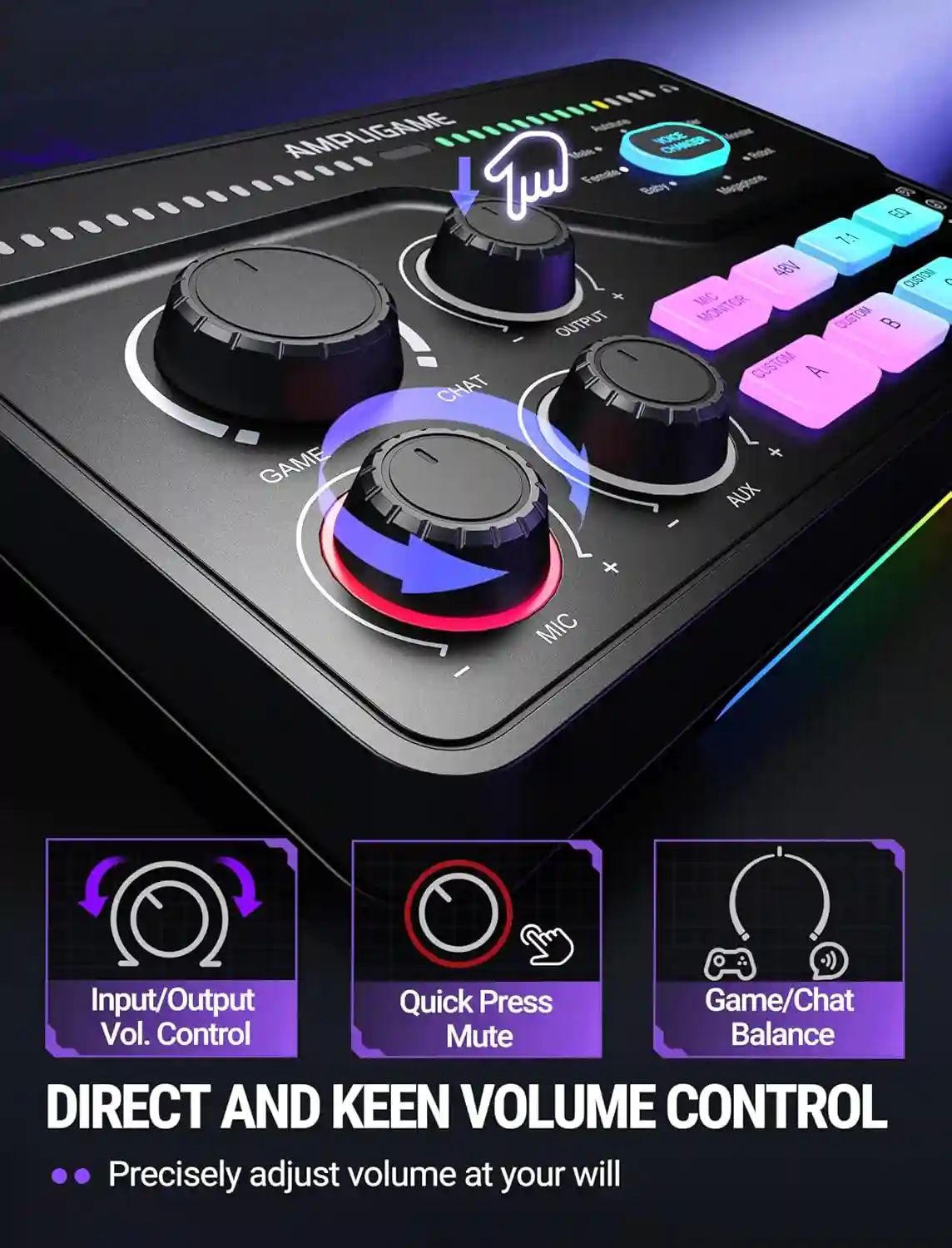
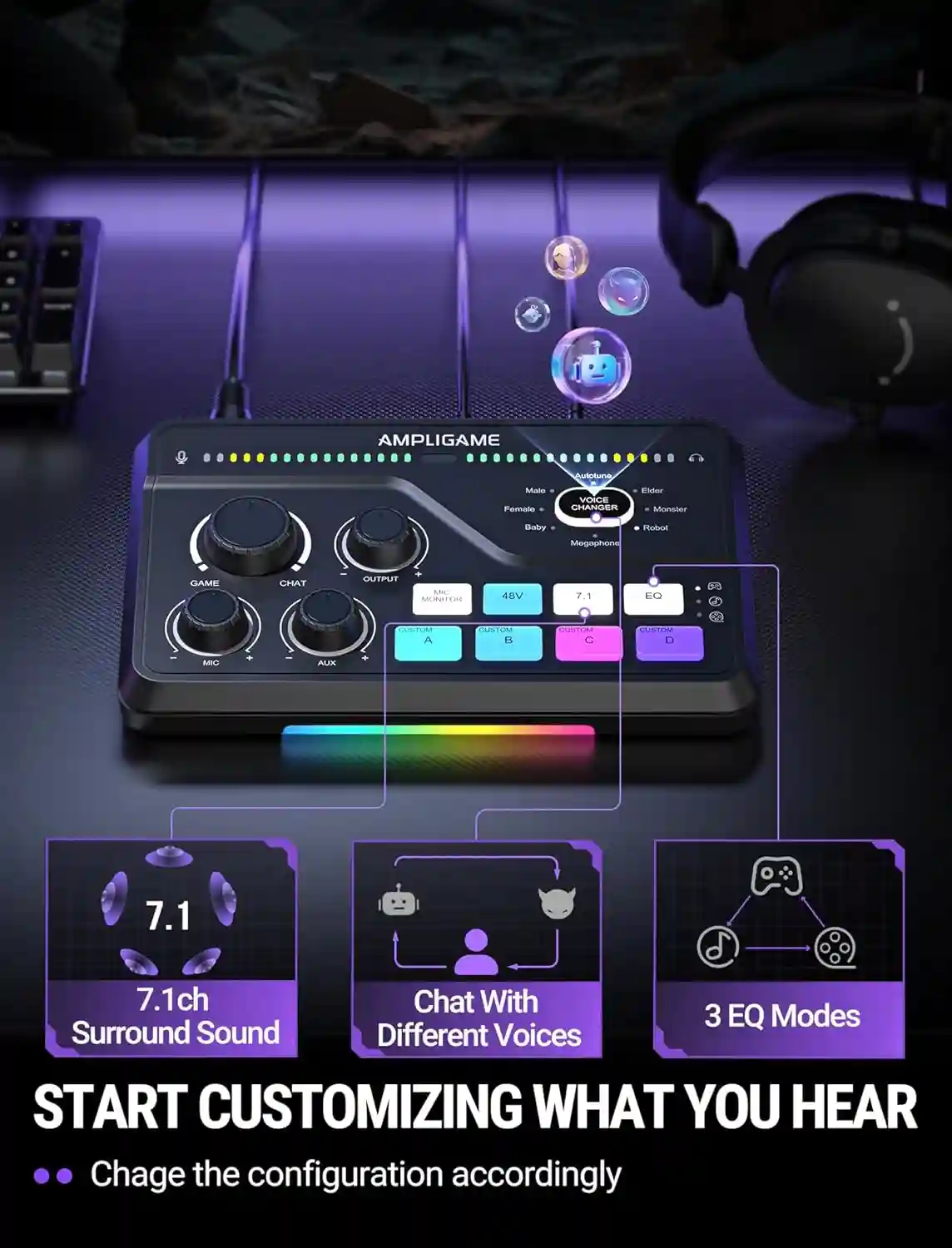
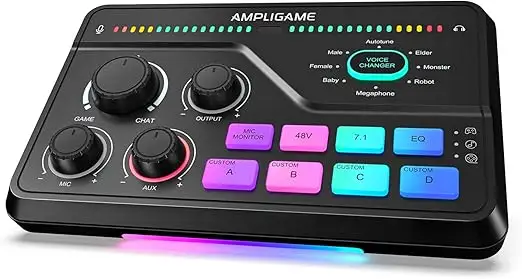
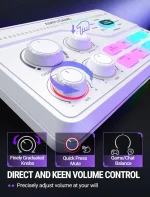
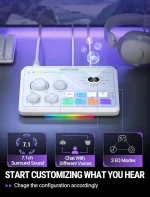
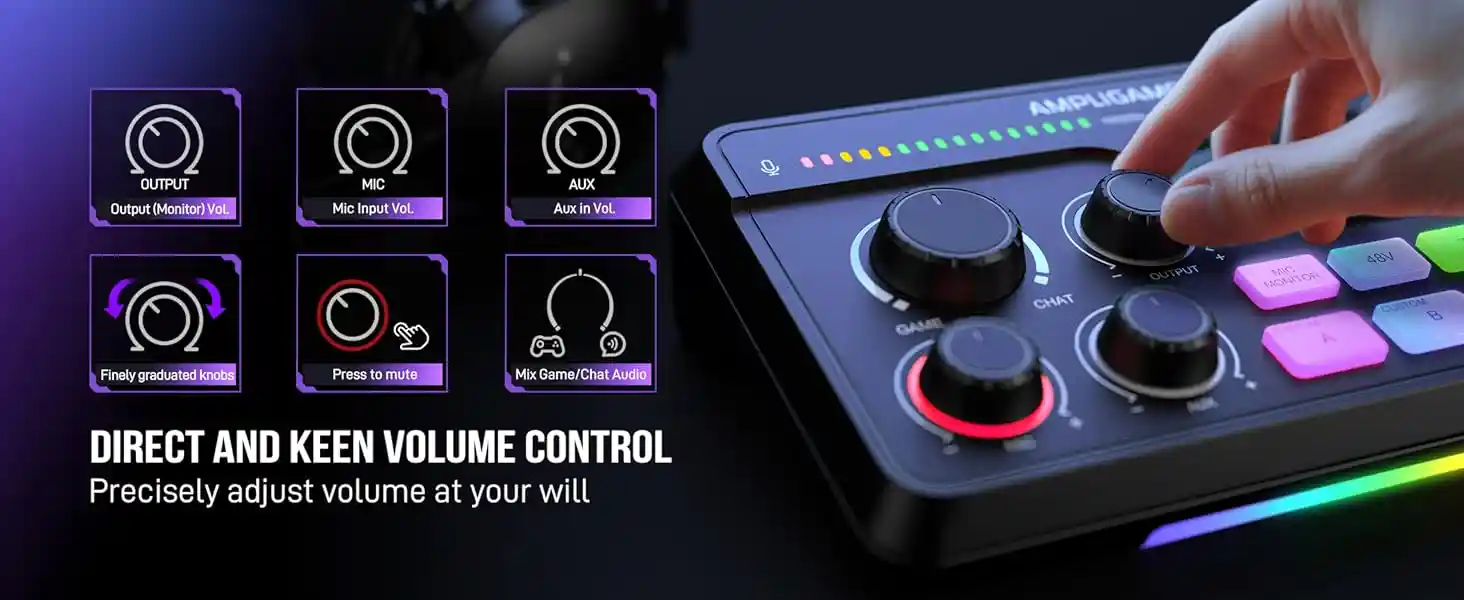
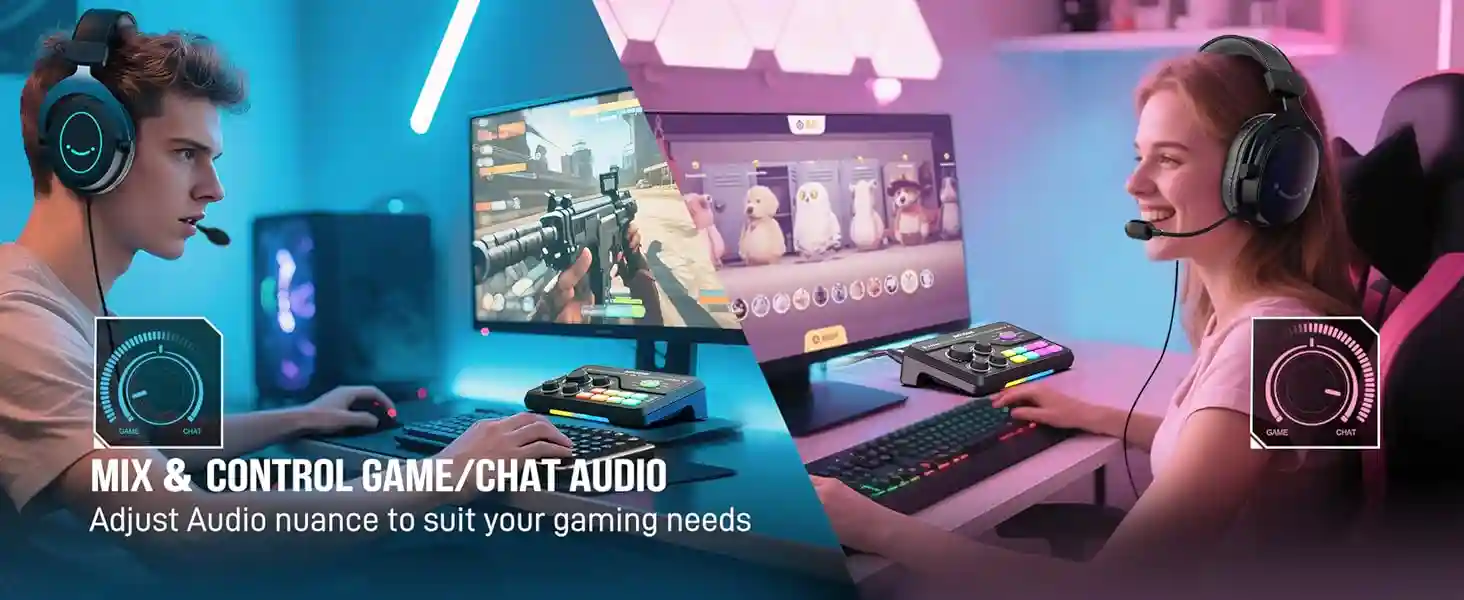
  • SC8 provide you 2 separatedi virtual audio channels on your PC, you can asign audio sources from different softwares to them(e.g., games/music player), then control the monitoring volume ratio by game/chat knob and level by output knob .

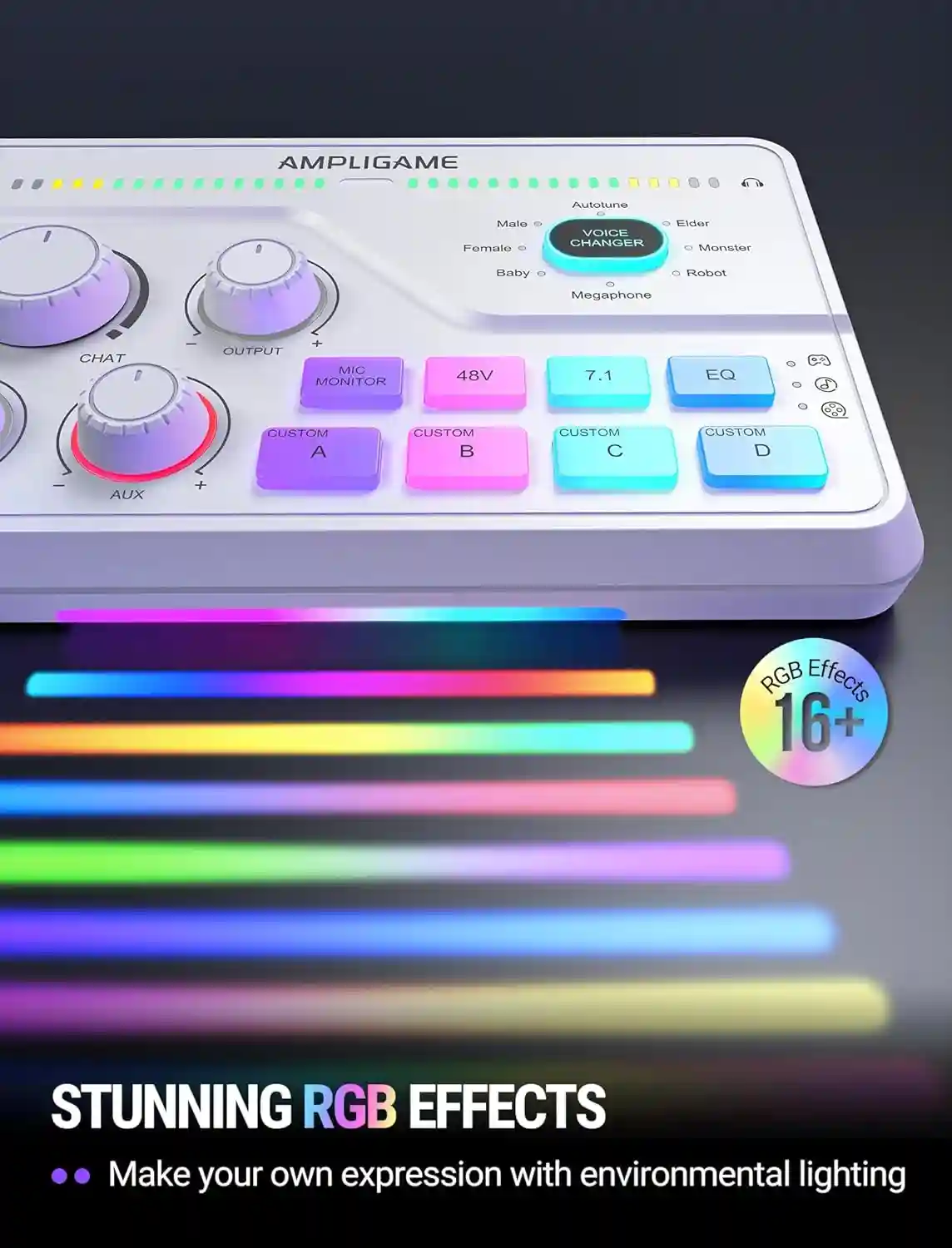
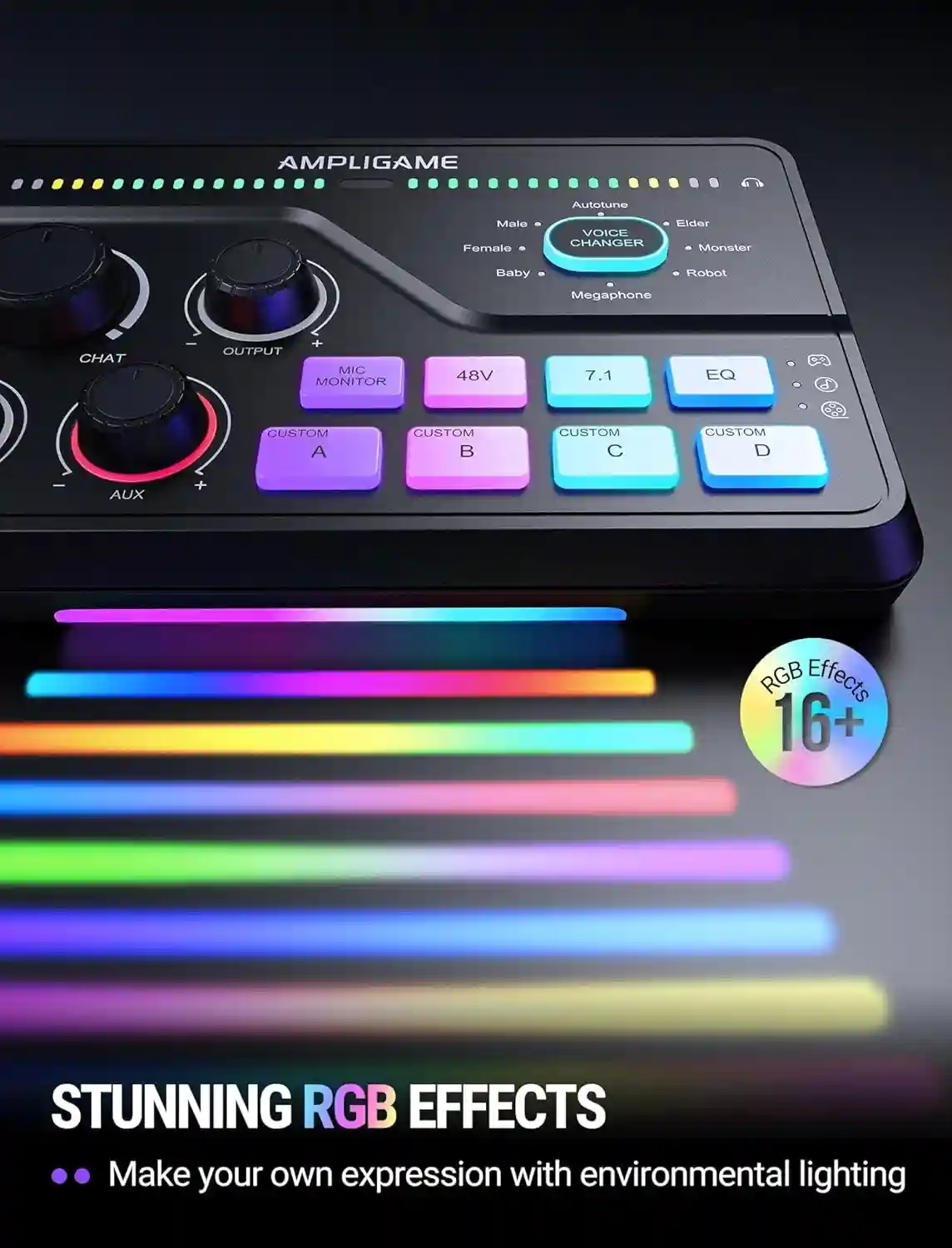
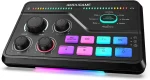
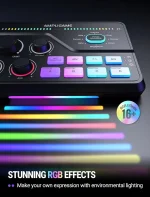
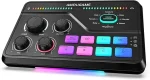
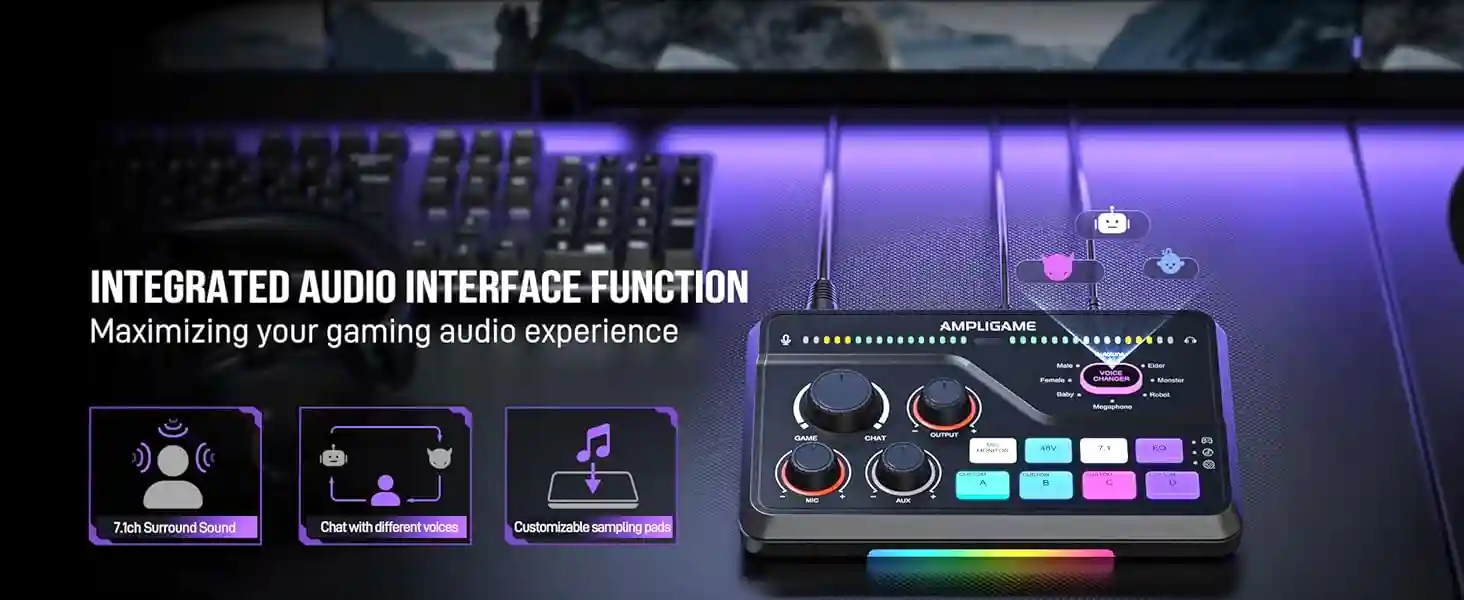
  • There are 4 custom button on the mixer. Press and hold the button until the light flashes white to start recording. Keep holding, and then release to save. Each recording can be up to 15 seconds.

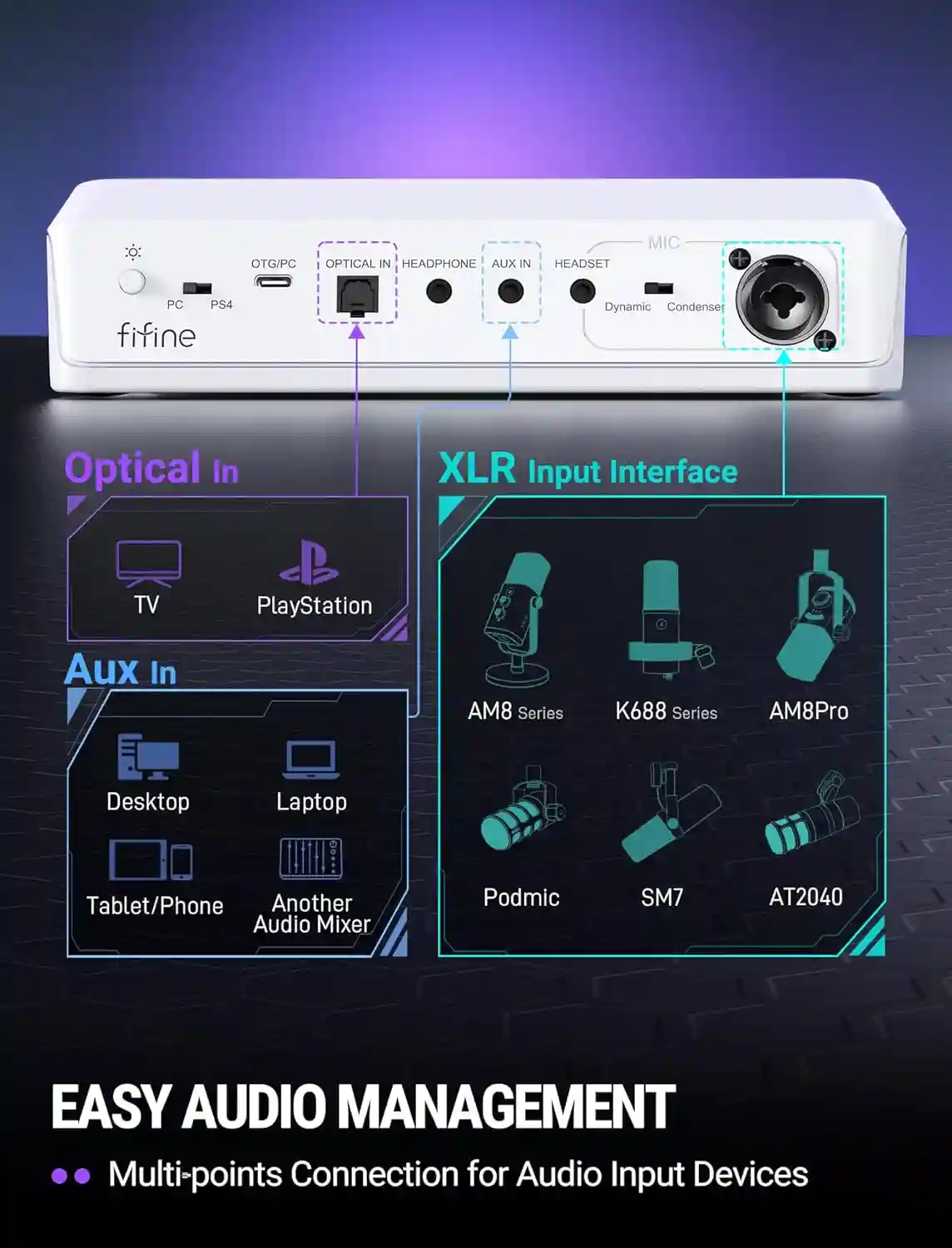
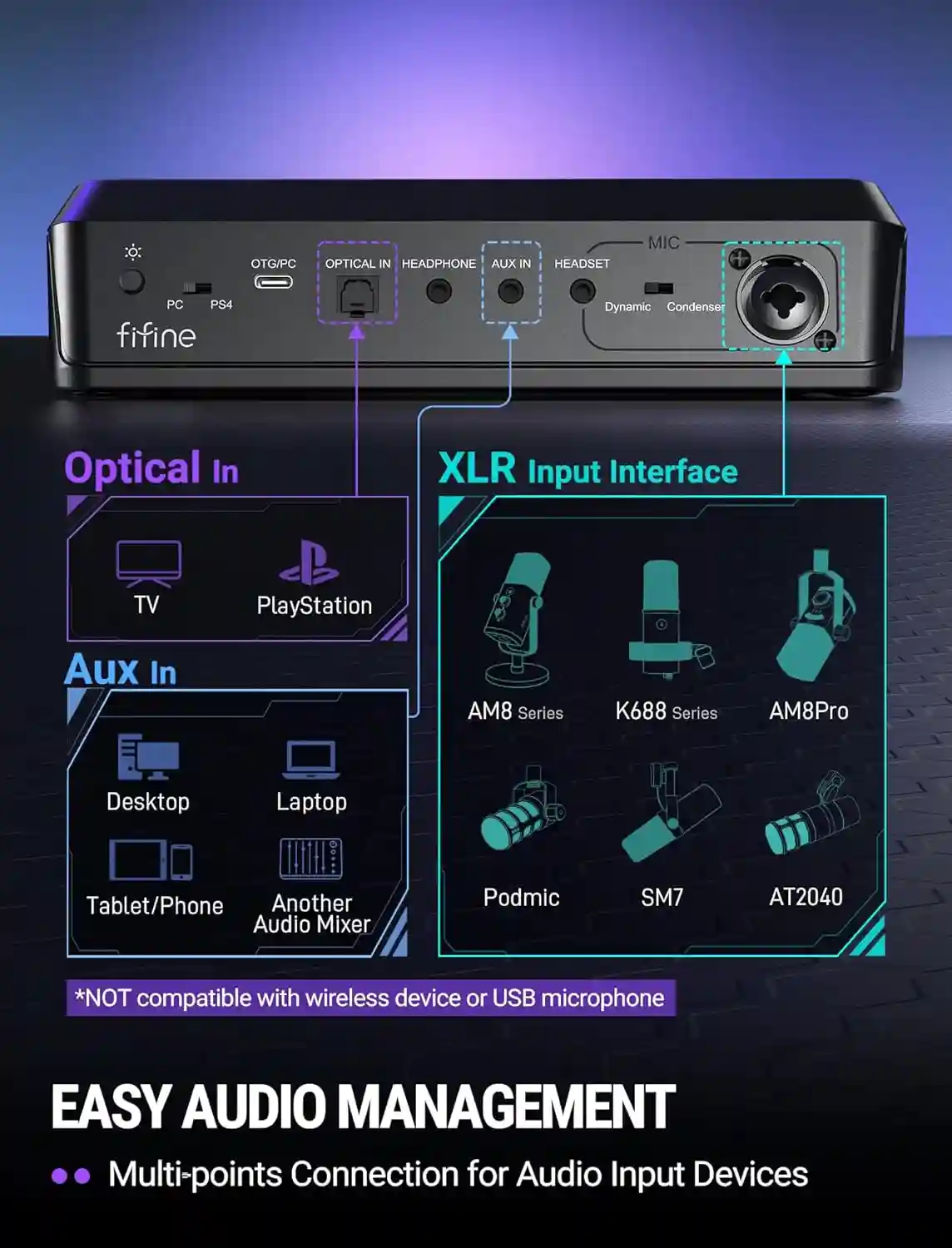
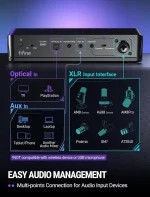
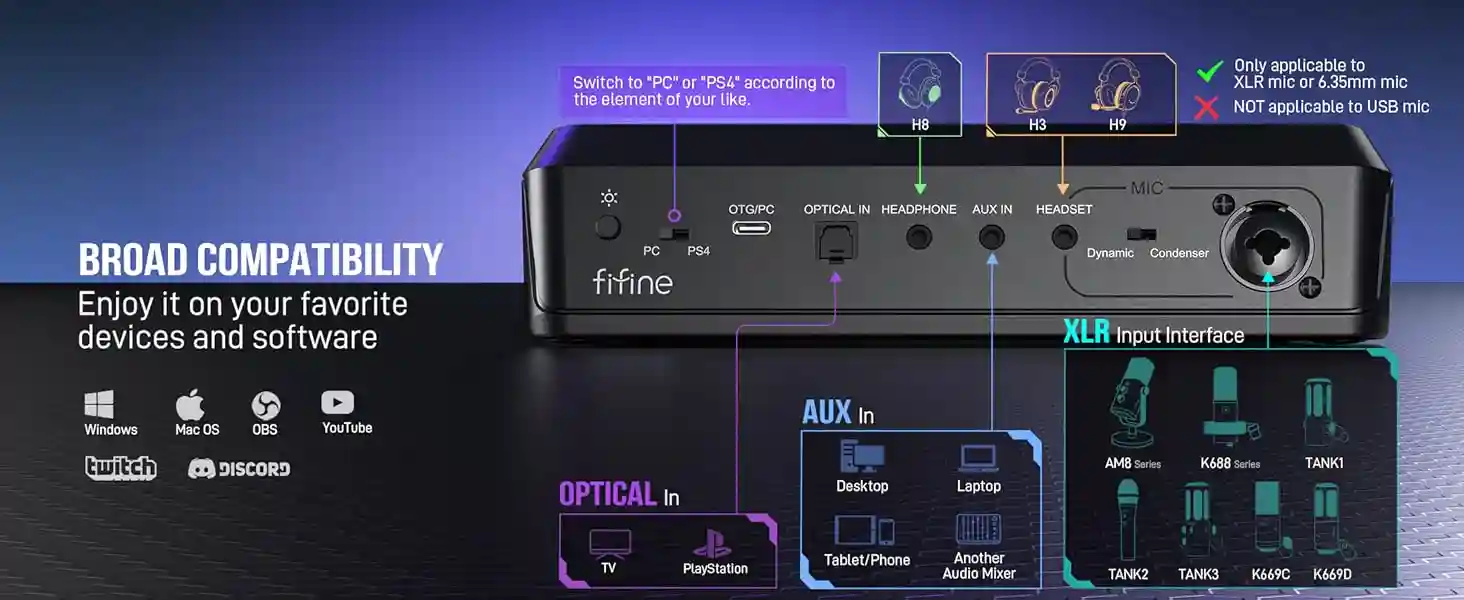
  • You can control the game/chat audio ratio on the SC8 when it’s connected to a PS4 if your device has an optical output, you can follow the setup steps we provided in the product’s guide.As for the PS5,its system already has this feature.

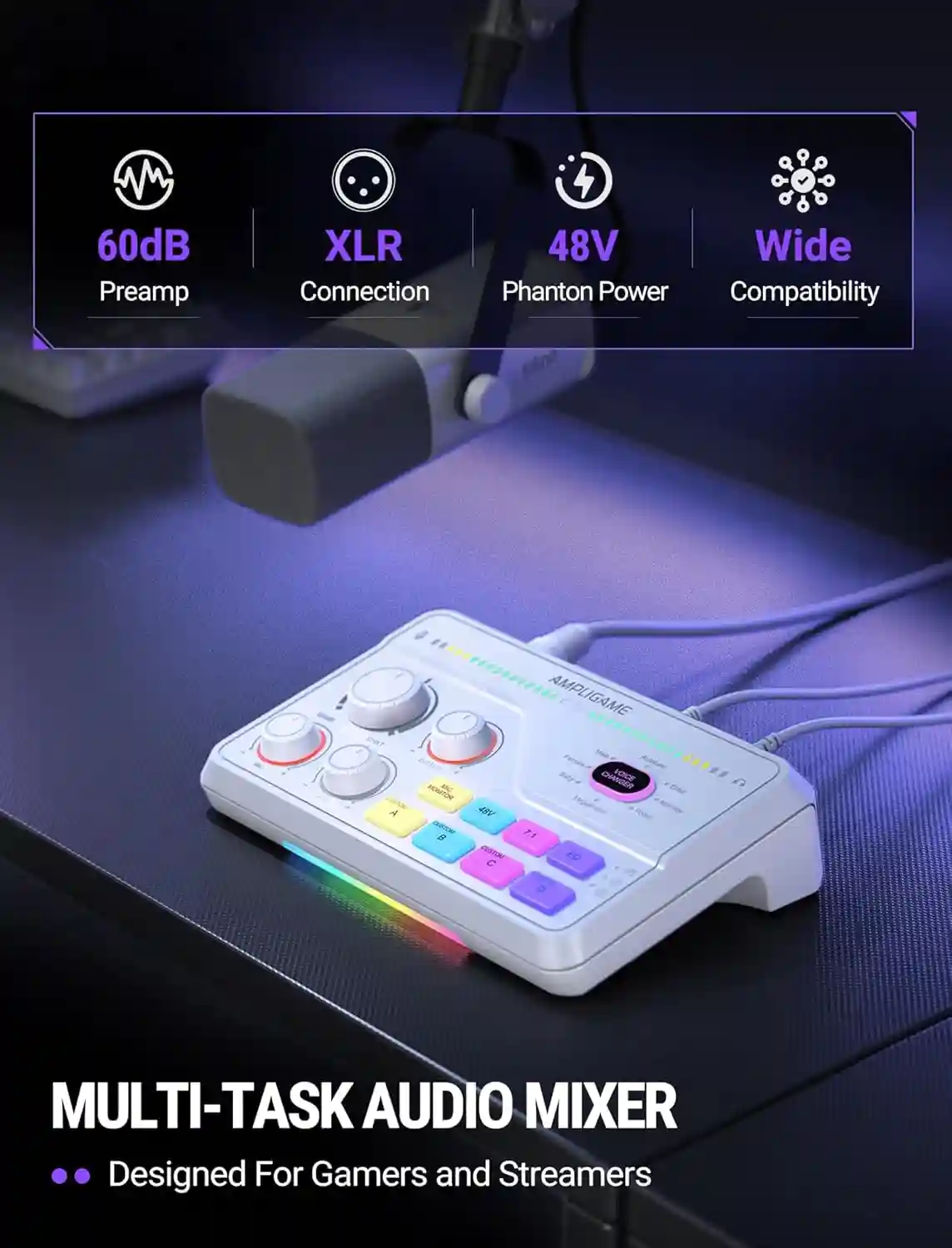
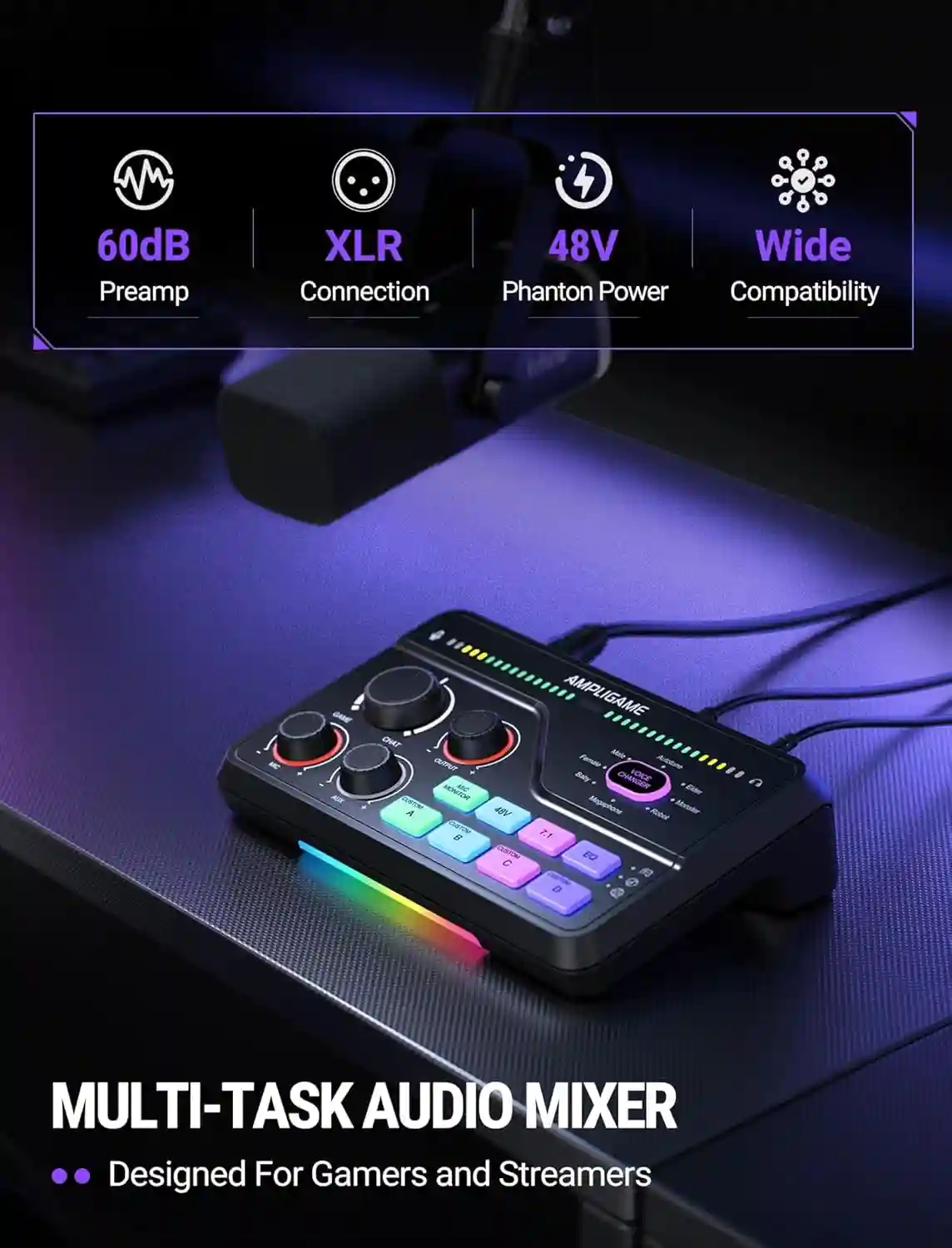
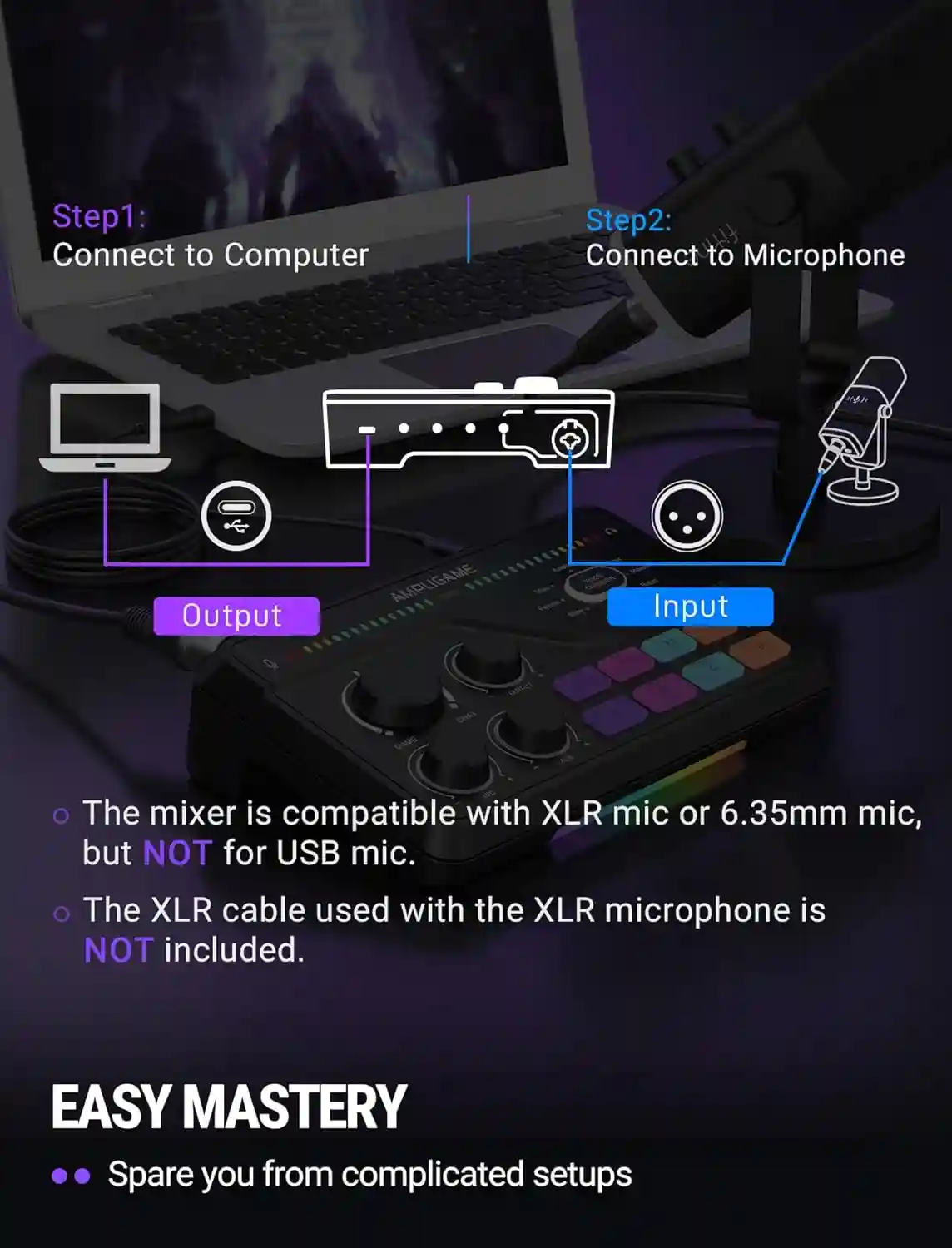
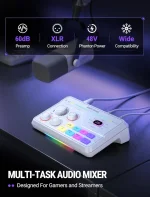
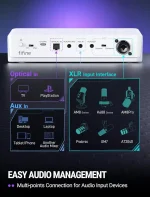
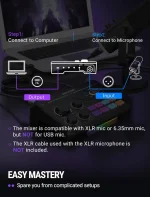
  • The mixer offers 48V phantom power for XLR condenser mic. Check the mic’s specs first before turning the 48V power on. Turn it off if not needed to avoid damage or noise. Phantom power does not enhance mic volume.

  • The hardware itself can not provide and control, but with fifine genie, a software presented by fifine, you can control the audio of separate channels by its Master Mixer feature.

Reviews

There are no reviews yet.

Be the first to review “Fifine Gaming Mixer for Voice Chat and Streaming- 7.1ch Surround Sound Headphone Amp-XLR Preamp-USB Plug & Play-Voice Changer-RGB-Volume Control-3 EQ Modes Ampligame SC8”